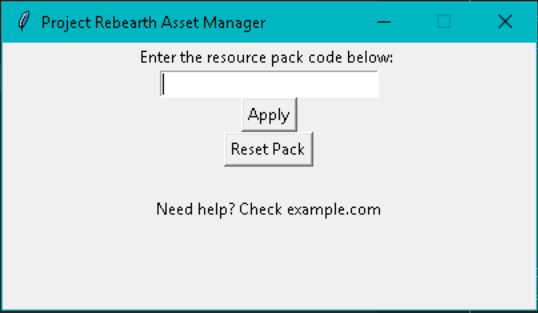
Project Rebearth Asset Manager is a tool to create and use 'Resource Packs'. You can upload your assets in a zip file and it will be converted to a "Resource Pack Code". You can then copy the code and enter it into the asset manager available for download at /download.html
Here is an example of how to structure your assets:
        Assets

         |

         +-- images

         |  |

         |  +-- food.png

         |  +-- wood.png

         |  \-- clothes.png

         ...
Zip the contents of the 'Assets' folder (do NOT include the folder named 'Assets', just inside) and upload it below then press submit. The Resource Pack Code will be copied to your clipboard and you can share or use it yourself!